Focus
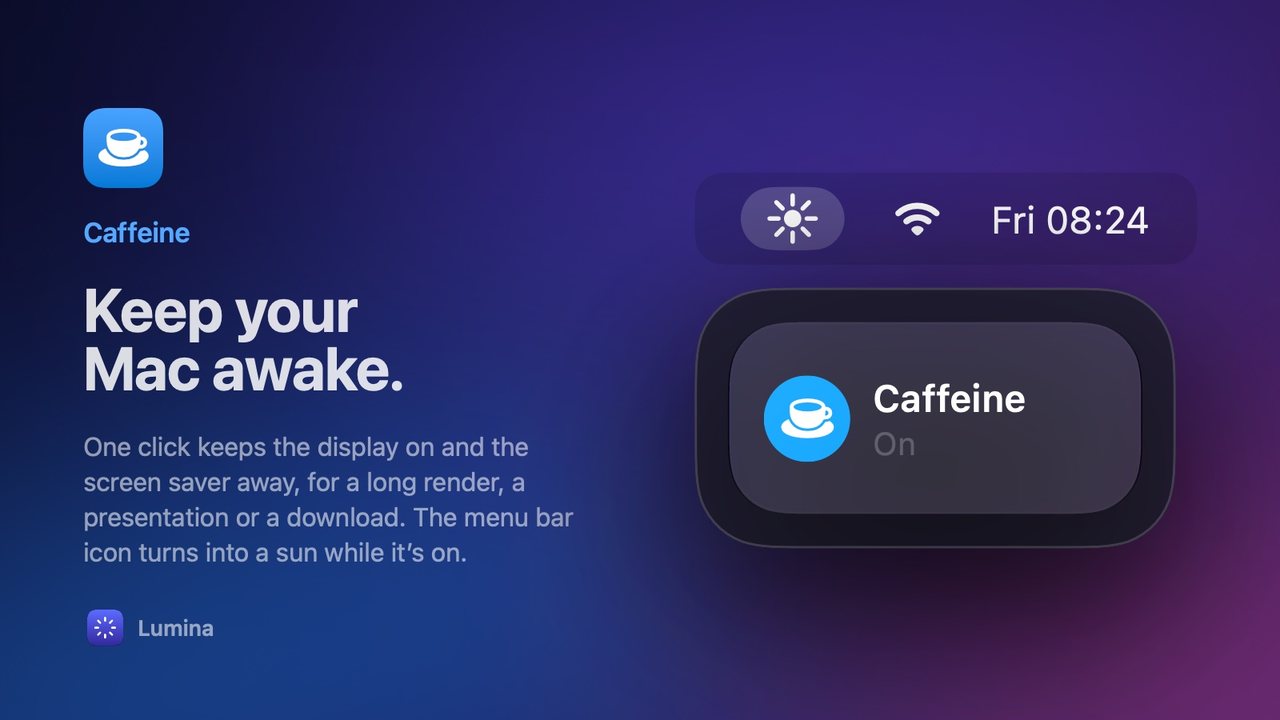
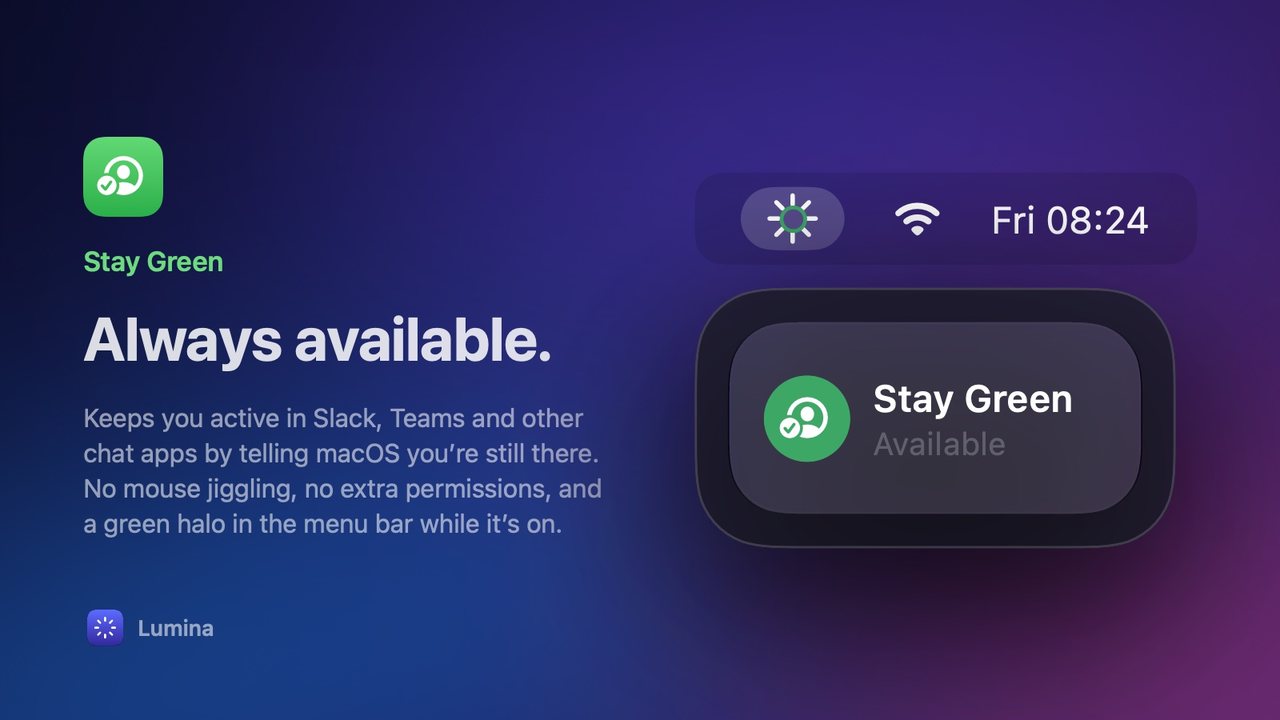
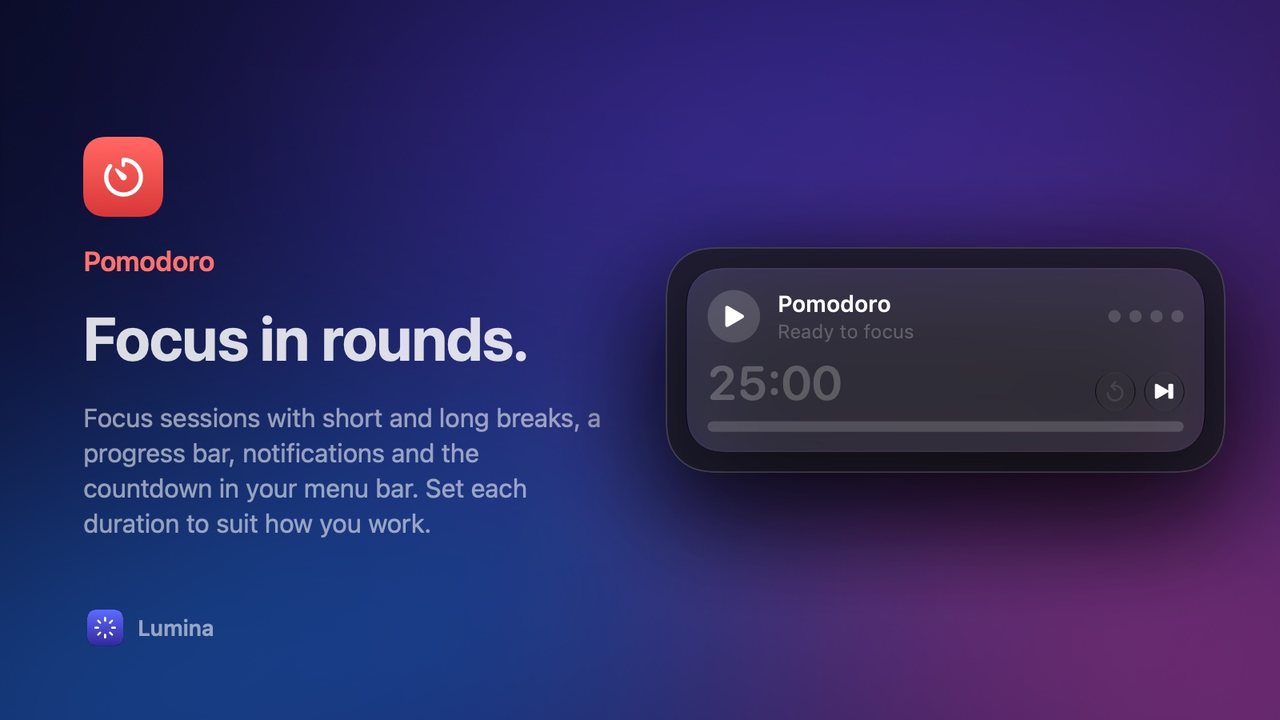
4 toolsStay in the zone, and appear available while you do.

The small tools you reach for all day, folded into one panel in your menu bar. Made for macOS.
Version 0.1.21 · Requires macOS 26 · Updates itself
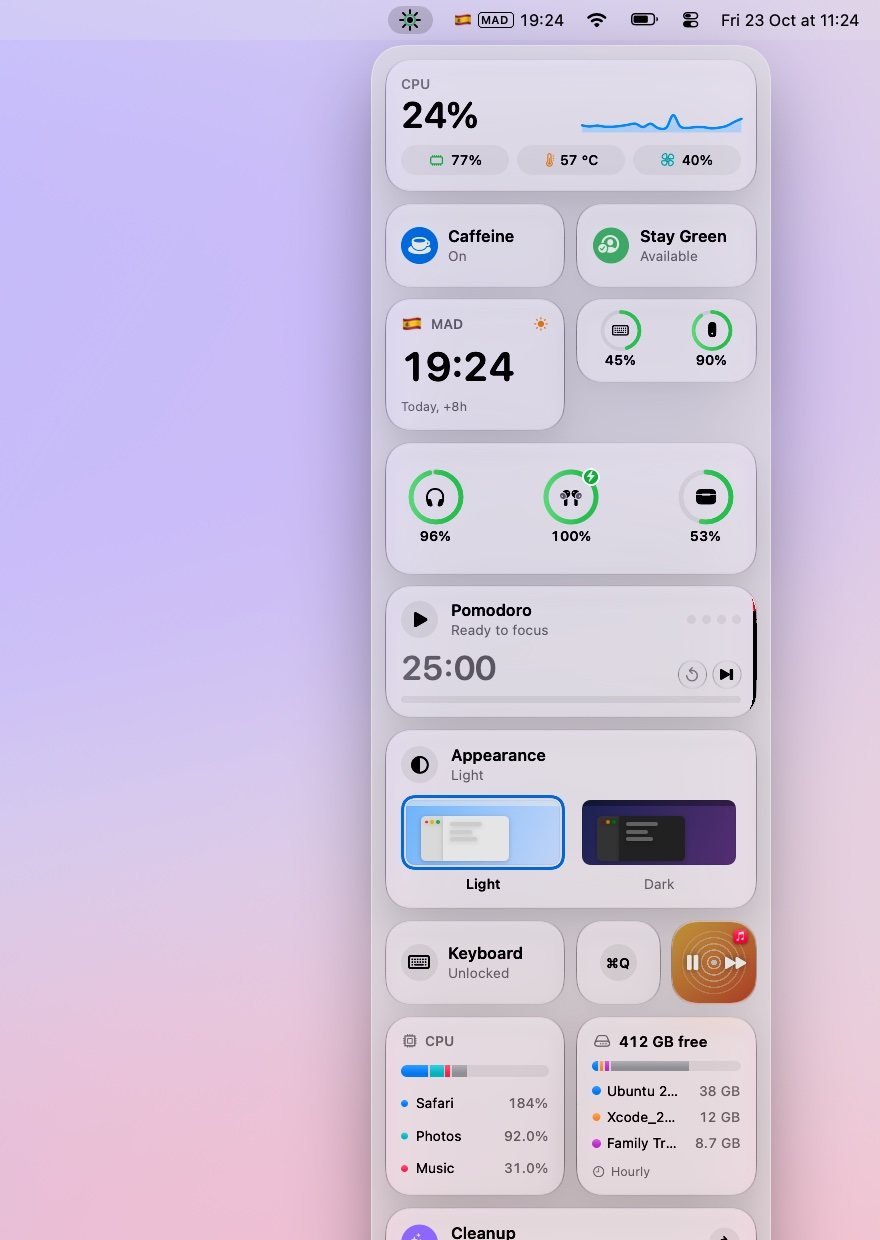
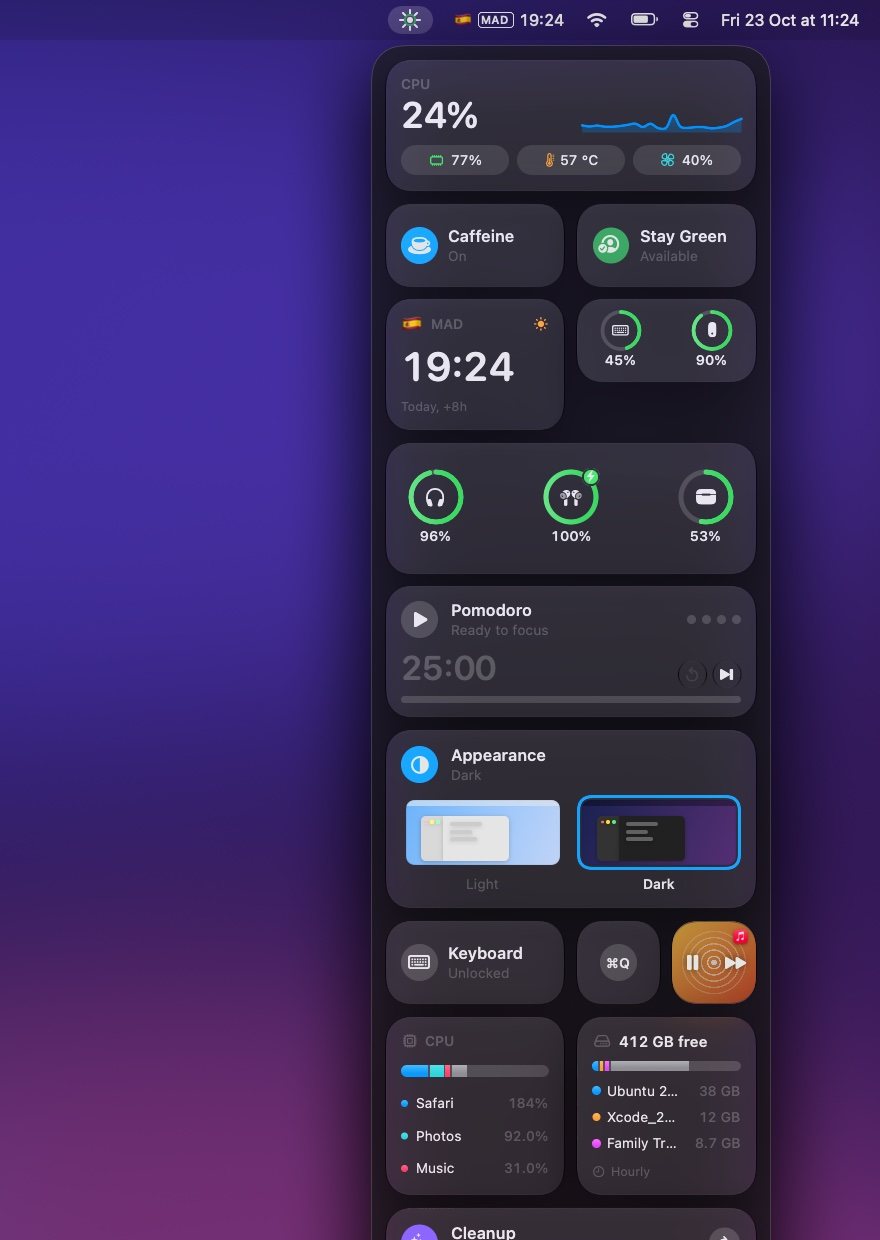
Everything in Lumina helps you focus, keep an eye on your Mac, clean it up, or get through the day.
Stay in the zone, and appear available while you do.
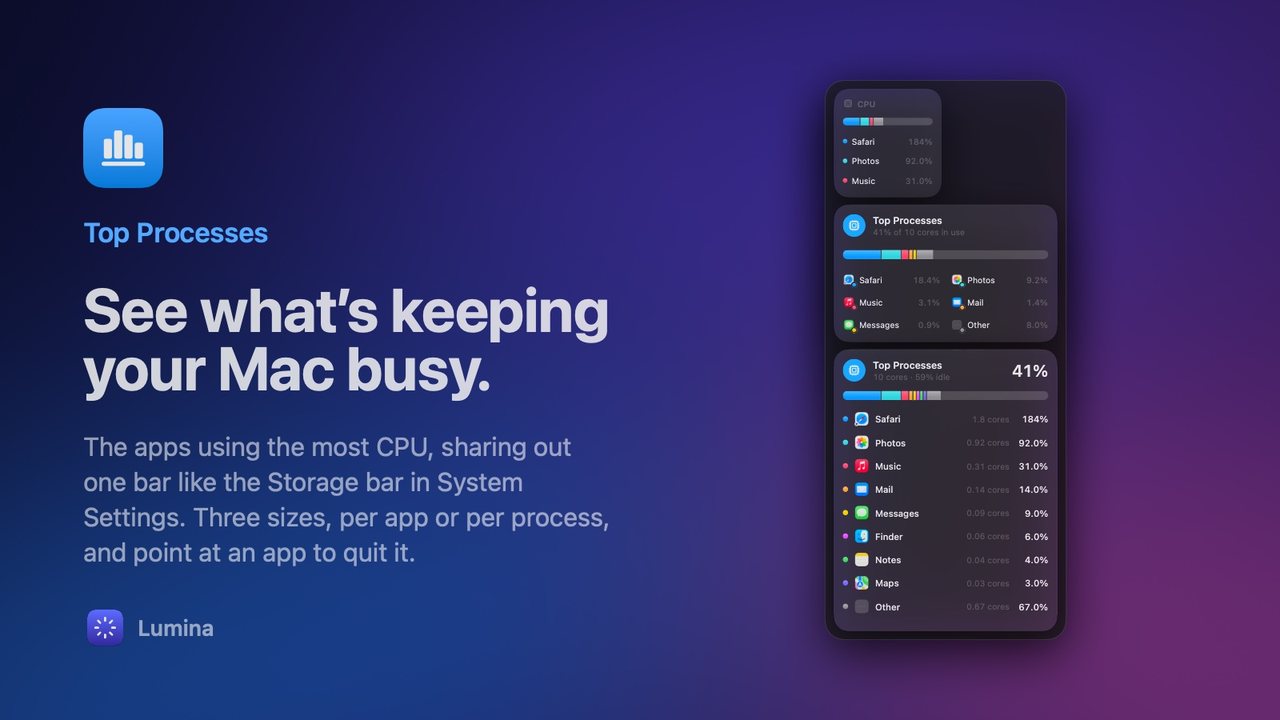
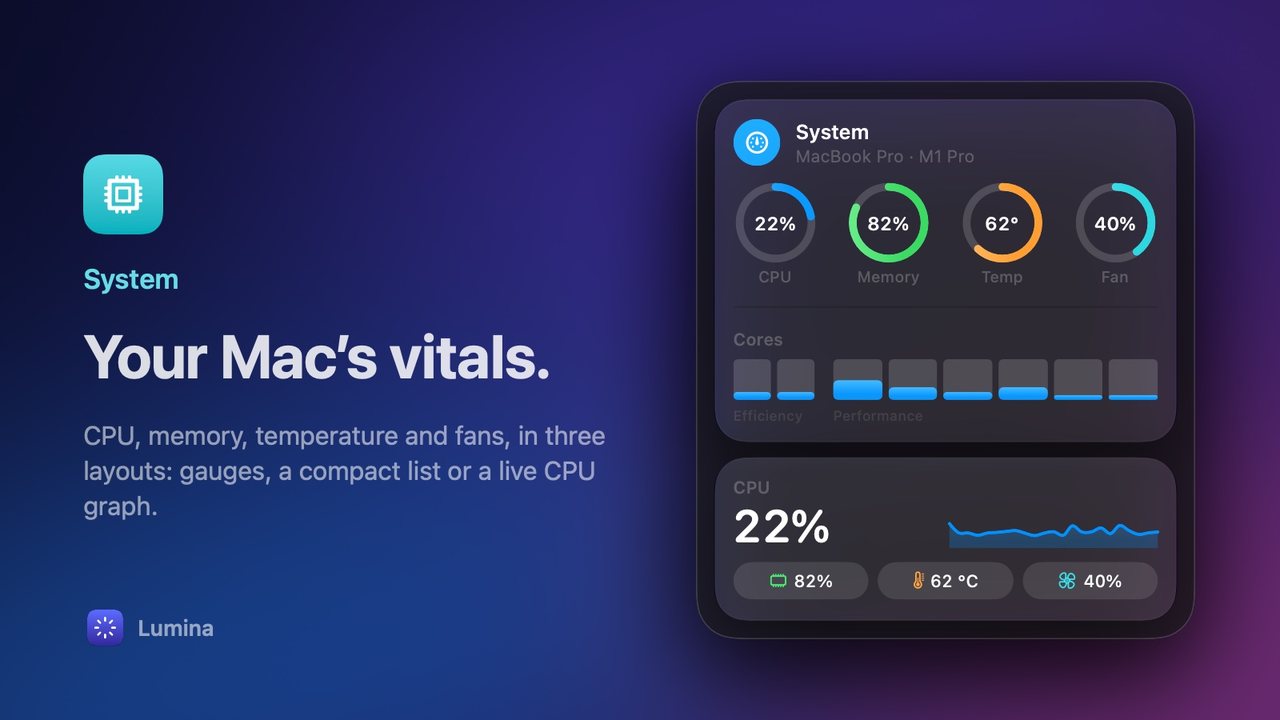
Know what your Mac is doing, at a glance.
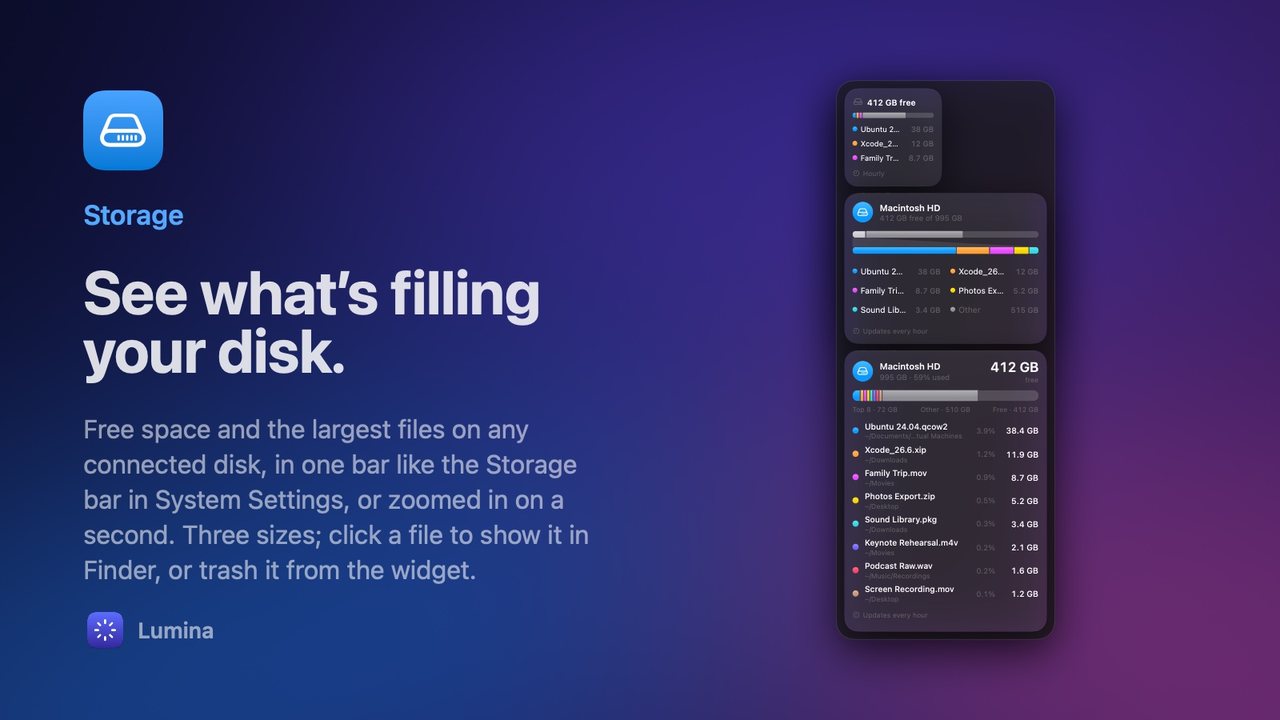
Get your space, and a fresh start, back.
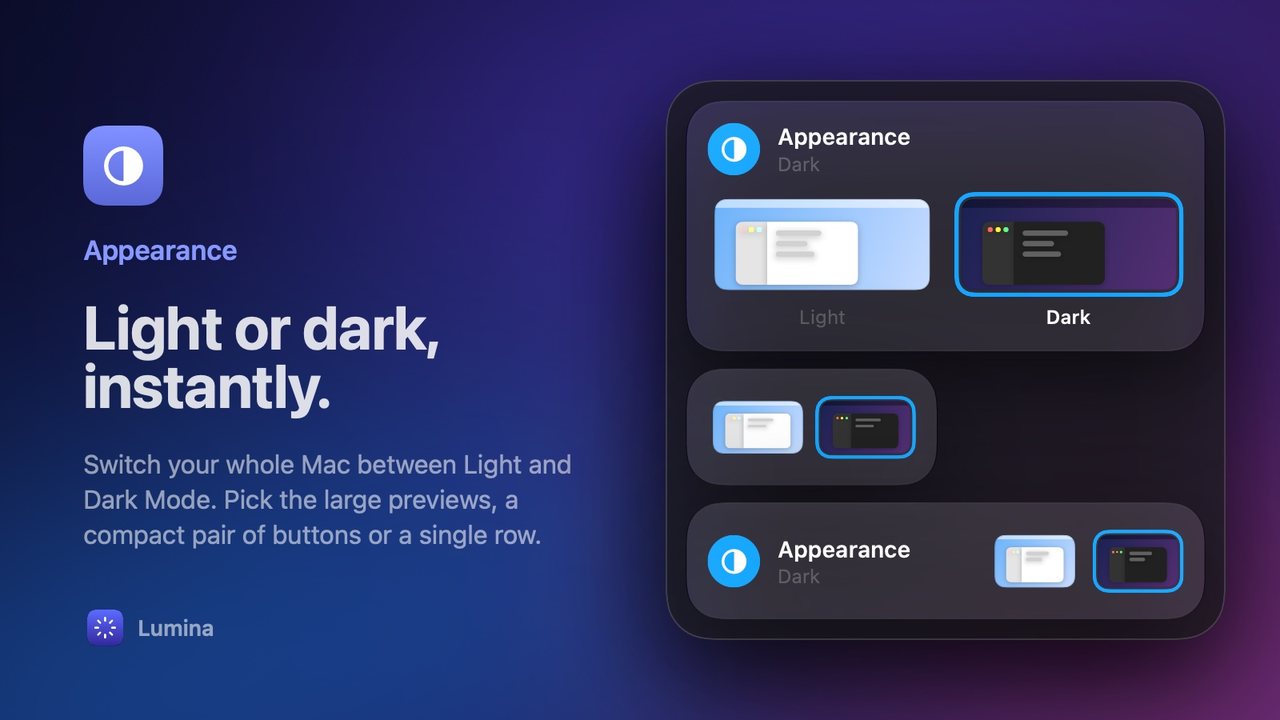
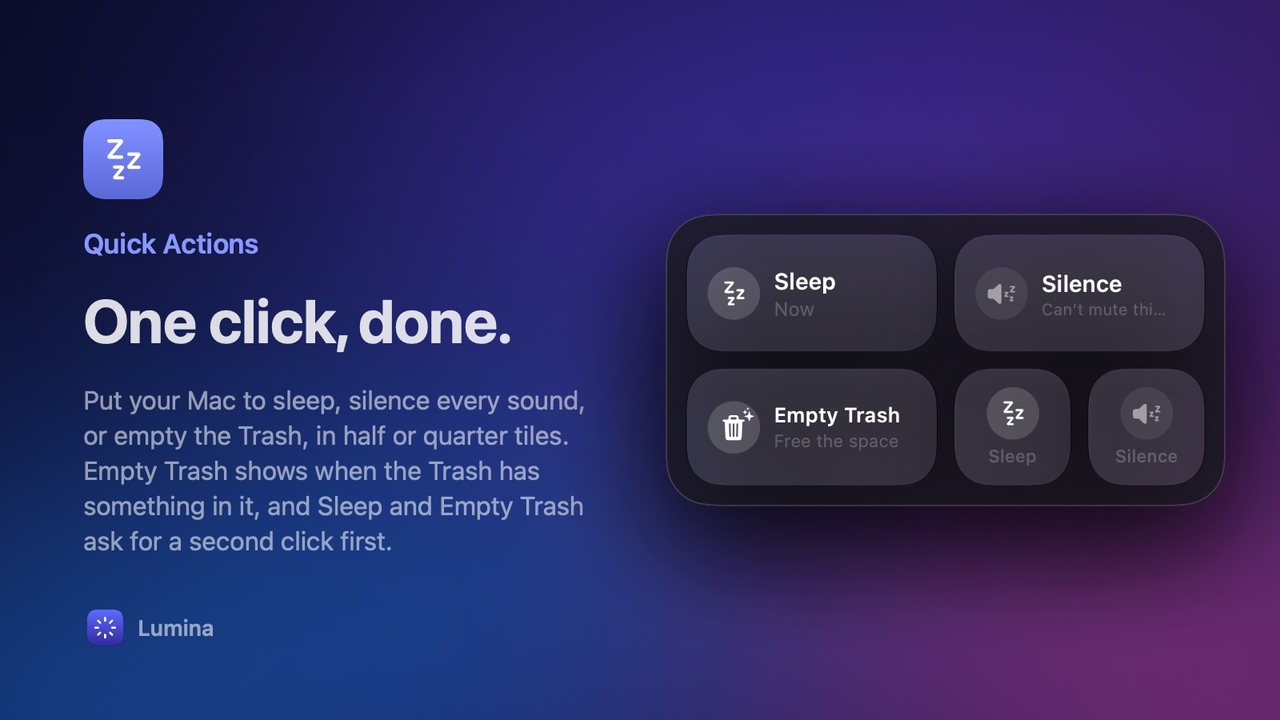
The small switches you reach for all day.
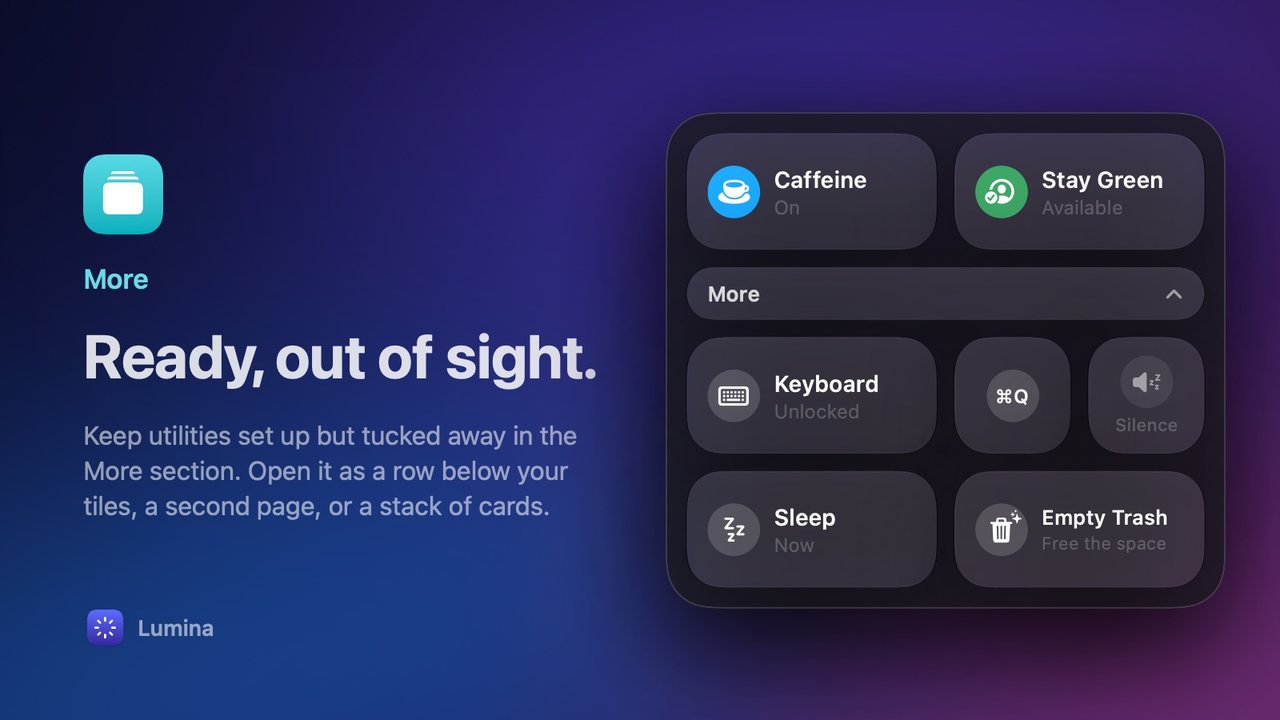
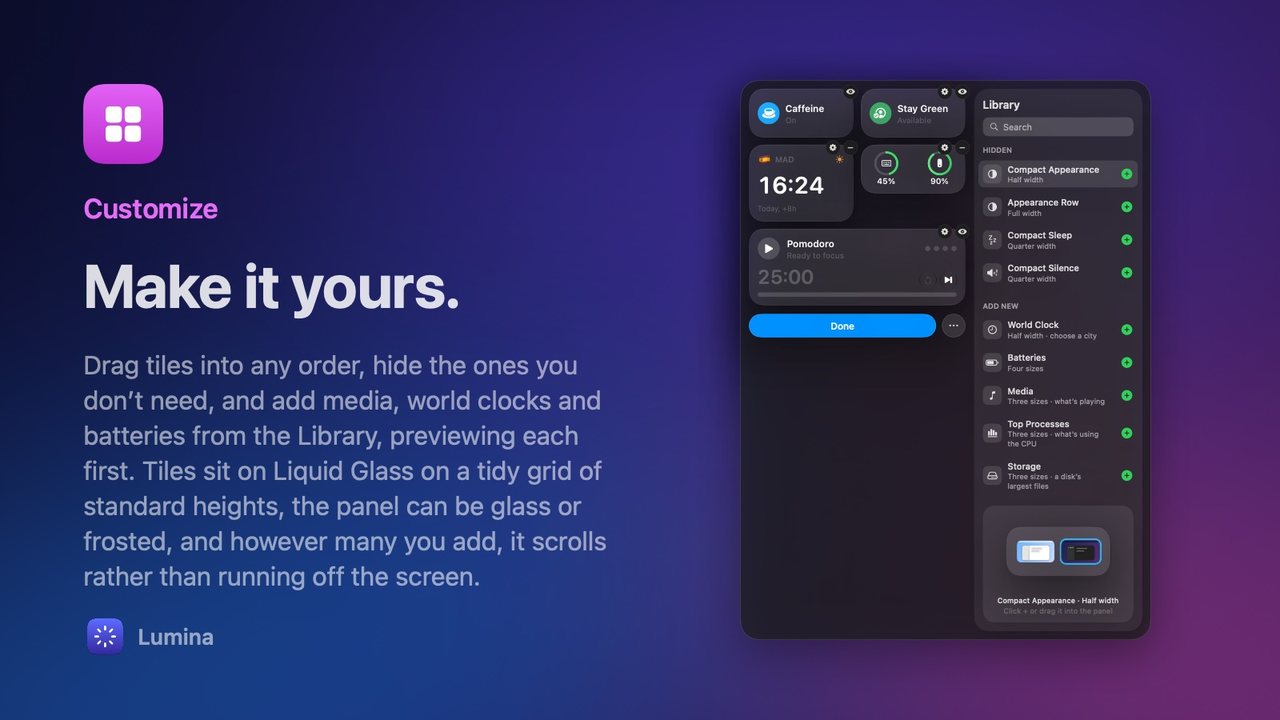
Every utility in one panel. Show the ones you use, hide the rest.
No subscription and no account. Just a licence that’s yours.
Every utility works during the trial, with no account and no card.
When the trial ends, buy a licence from the panel. Your key arrives by email.
Click … › Licence… in the panel and paste it. A key you’ve just copied fills itself in.
Your licence works offline and stays with you through every update.
Price To be announced soon One payment for a licence that never expires. Try it free in the meantime.
Every app on the Mac App Store runs inside Apple’s App Sandbox, a walled-off space that keeps it away from the rest of your Mac. For most apps that’s the right call. But Lumina’s whole job is the rest of your Mac, and inside the sandbox most of its utilities couldn’t work:
In the App Sandbox
 Caffeine
 Stay Green
 Pomodoro
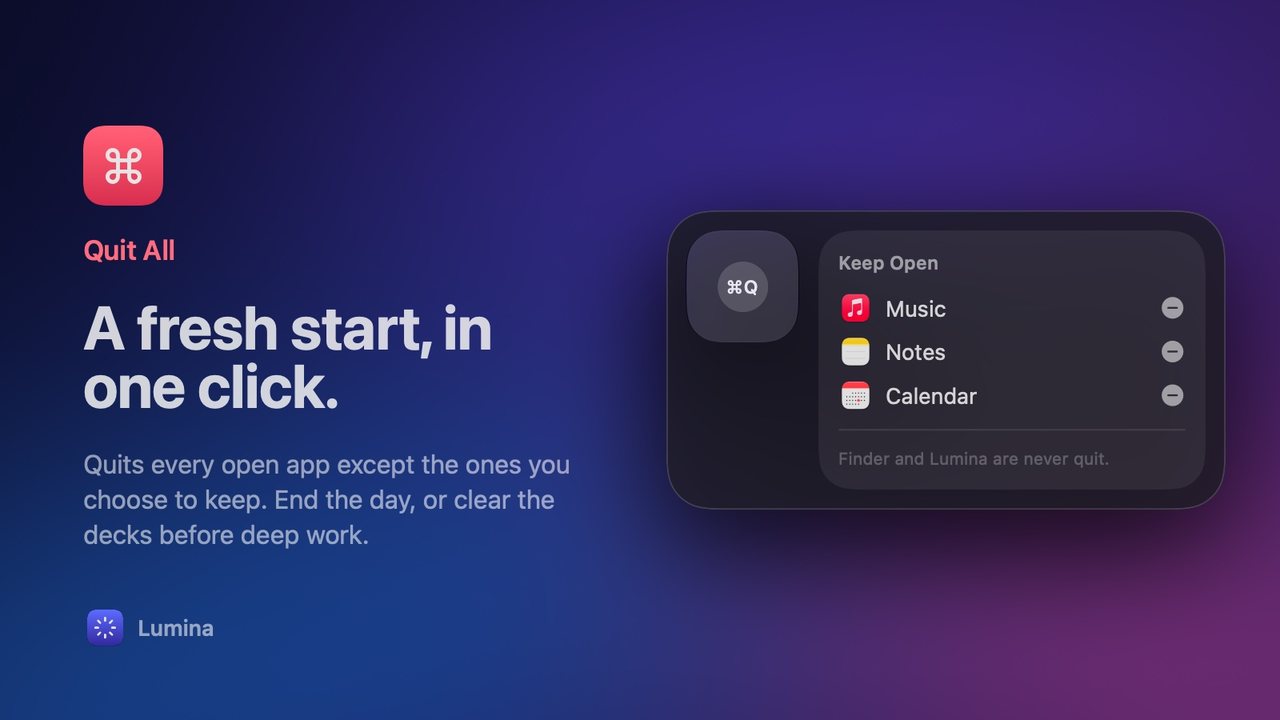
 Quit All
 System
 Top Processes
 Storage
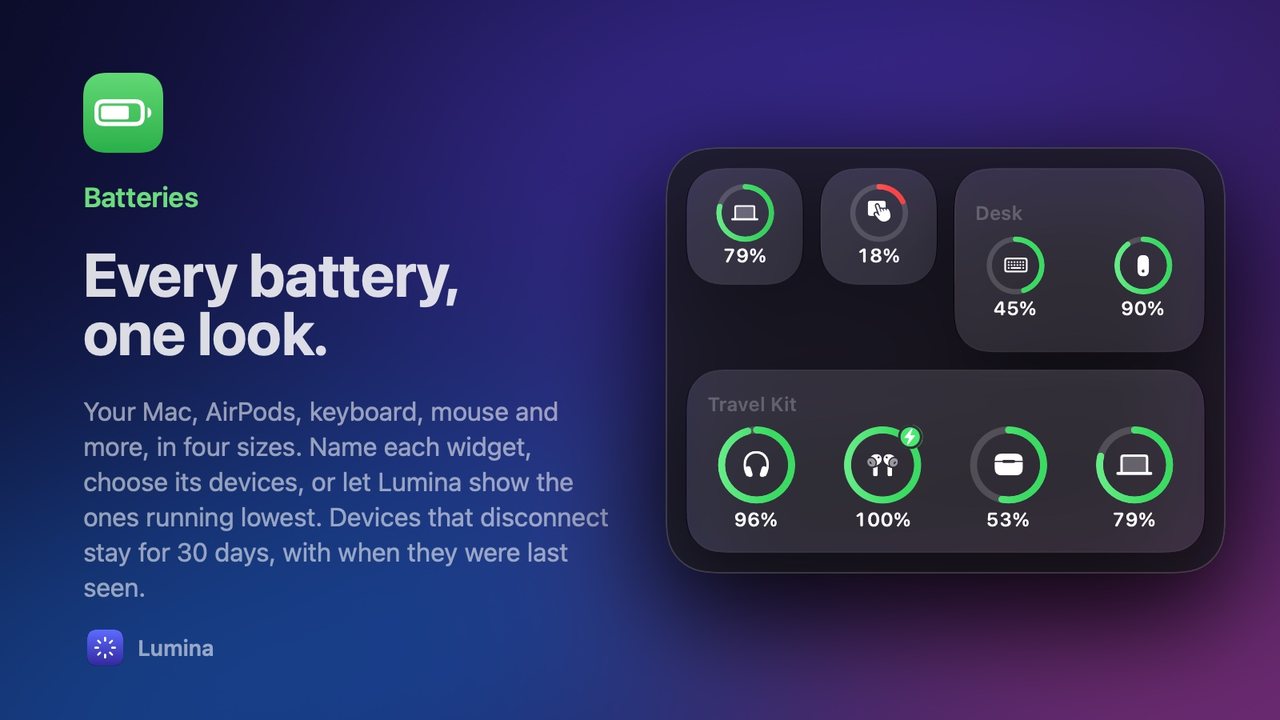
 Batteries
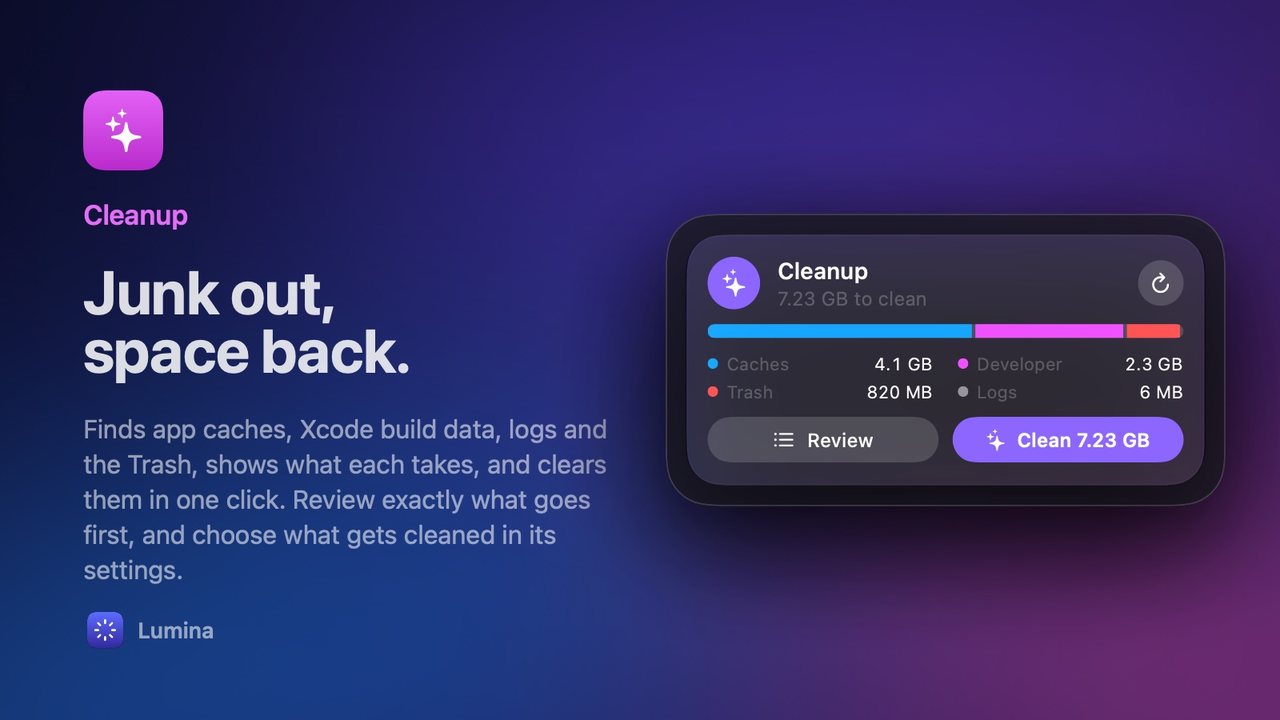
 Cleanup
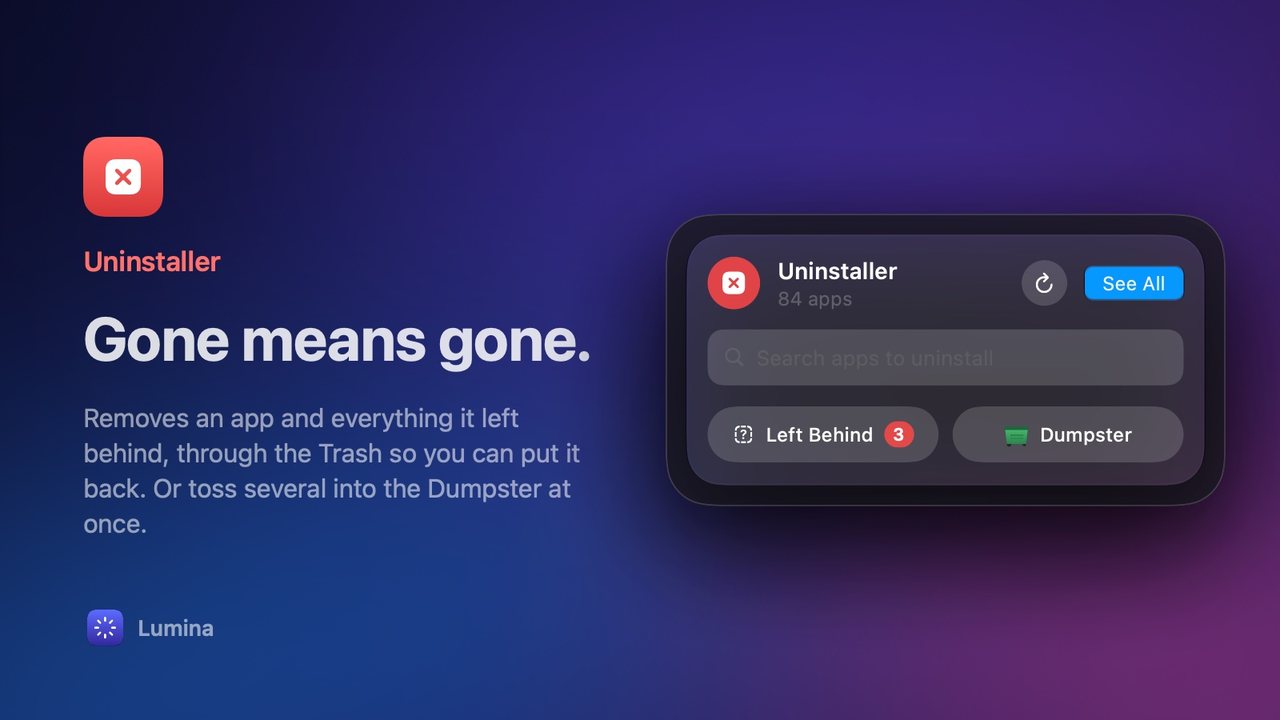
 Uninstaller
 Empty Trash
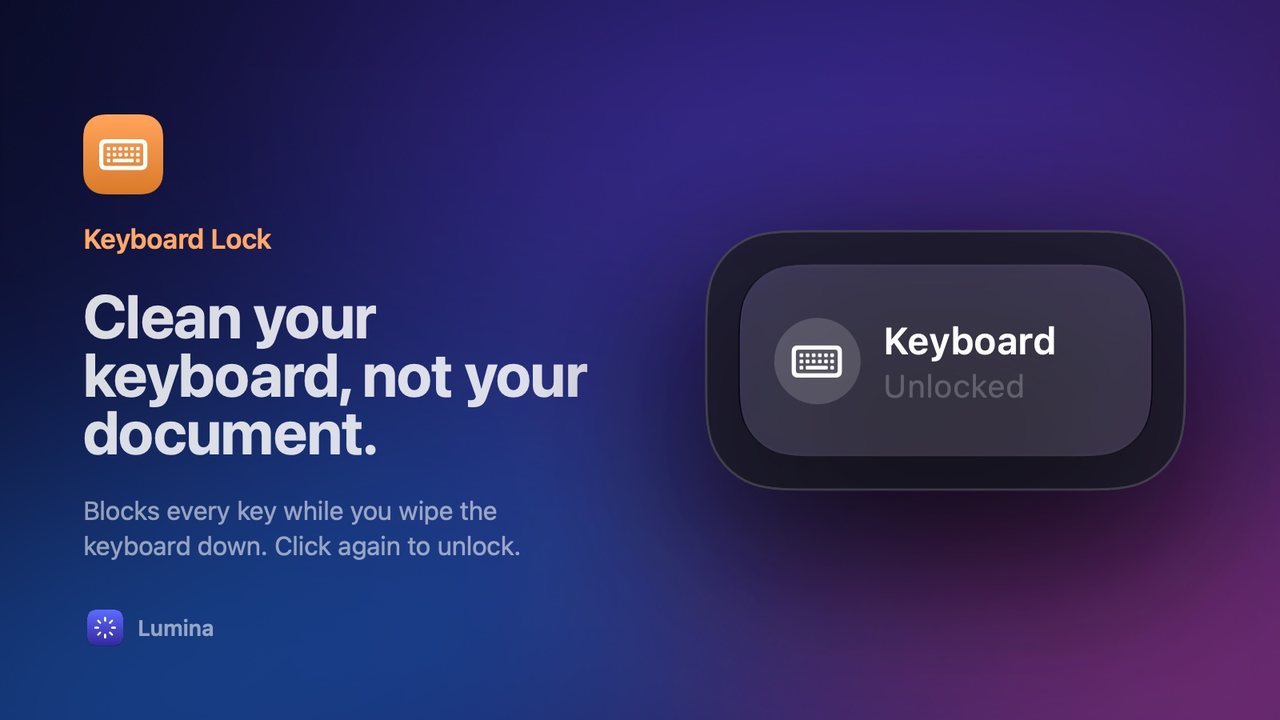
 Keyboard Lock
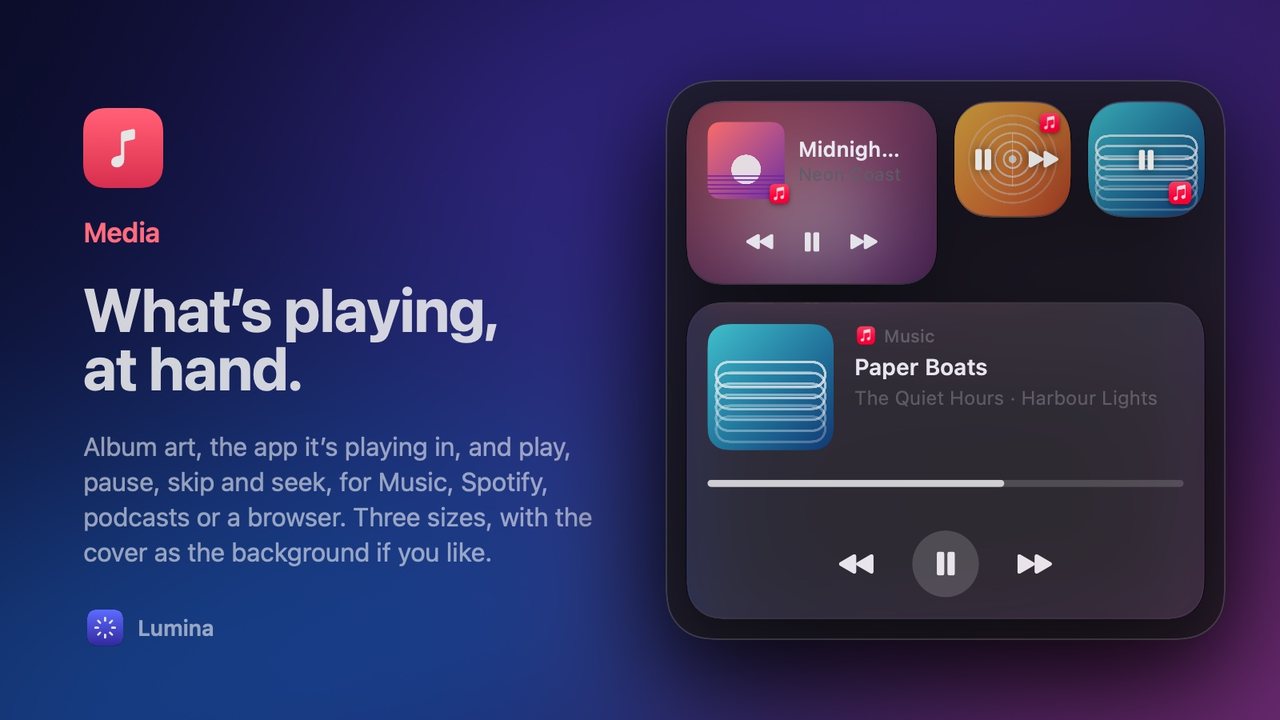
 Media
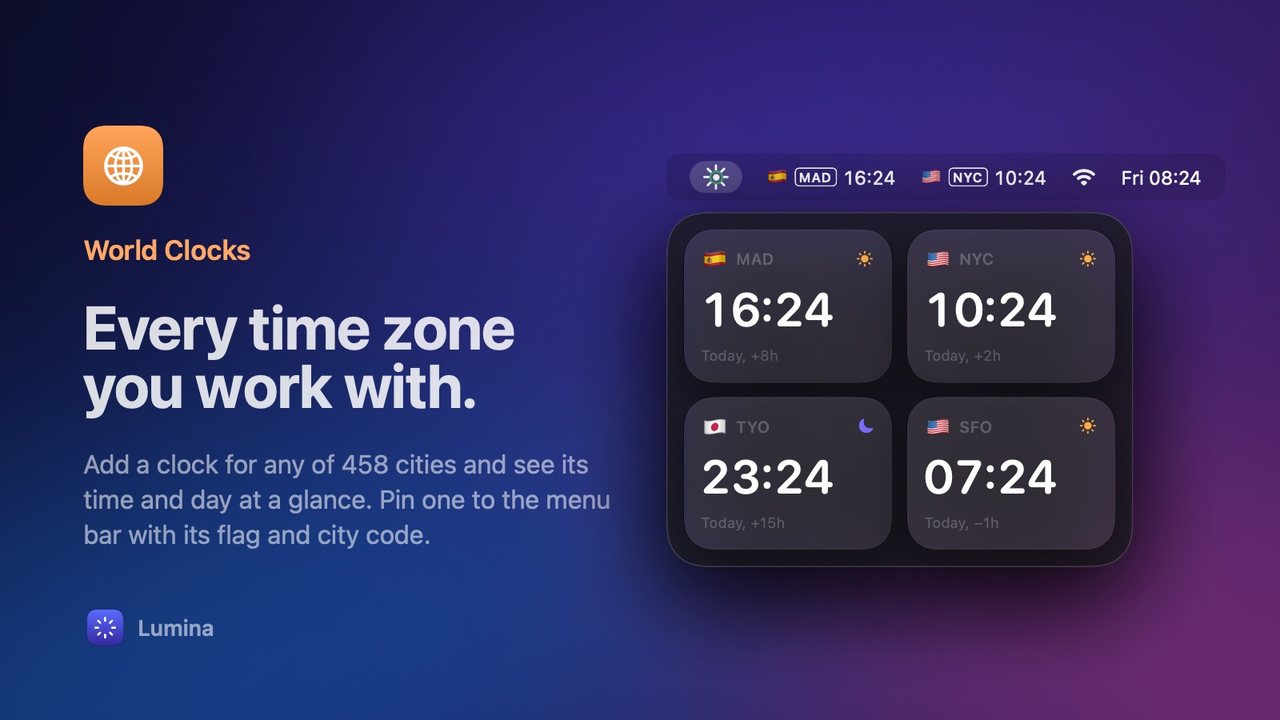
Media World Clocks
 Appearance
 Sleep
Sleep Silence
The ten dimmed tools can’t do their job from inside the sandbox.
Sold directly
CaffeineStay GreenPomodoroQuit AllSystemTop ProcessesStorageBatteriesCleanupUninstallerEmpty TrashKeyboard LockMediaWorld ClocksAppearanceSleepSilenceDownload it here, pay once, and it updates itself in place.
Uninstaller and Cleanup find and remove what other apps leave in your Library. A sandboxed app can’t see other apps’ files.
Quit All, Empty Trash, Appearance and Uninstaller ask Finder and System Events to act for you. The sandbox doesn’t let an app control other apps this way.
Stay Green and Keyboard Lock work with your keyboard and pointer, through the Accessibility access the sandbox restricts.
System, Media and Batteries read your Mac’s temperature and fan speed, what’s playing in any app, and your AirPods’ and accessories’ charge. macOS has no public interface for these, and App Store apps may use only public ones.
A sandboxed Lumina would be a handful of toggles. So Lumina is sold directly instead, as many of the best Mac utilities are: you download it from our site, pay once, and it updates itself in place. Every update is cryptographically signed, and Lumina checks that signature before installing anything.
Lumina only touches what you ask it to. It never removes system files, every uninstall goes to the Trash first so you can put it back, and nothing on your Mac ever leaves it, apart from an anonymous ping with its activation state, which you can turn off.
Lumina comes from this site, not the App Store, so macOS asks you once to allow it.
You only do this once. Some utilities ask for a permission the first time you use them, like Accessibility for Keyboard Lock. Lumina checks for updates when it opens and every six hours, installs them in place, and shows you what’s new.
 Quick Actions
 More
More Customize